Heardle Rock How to Play Find the Game and Guess Songs Faster
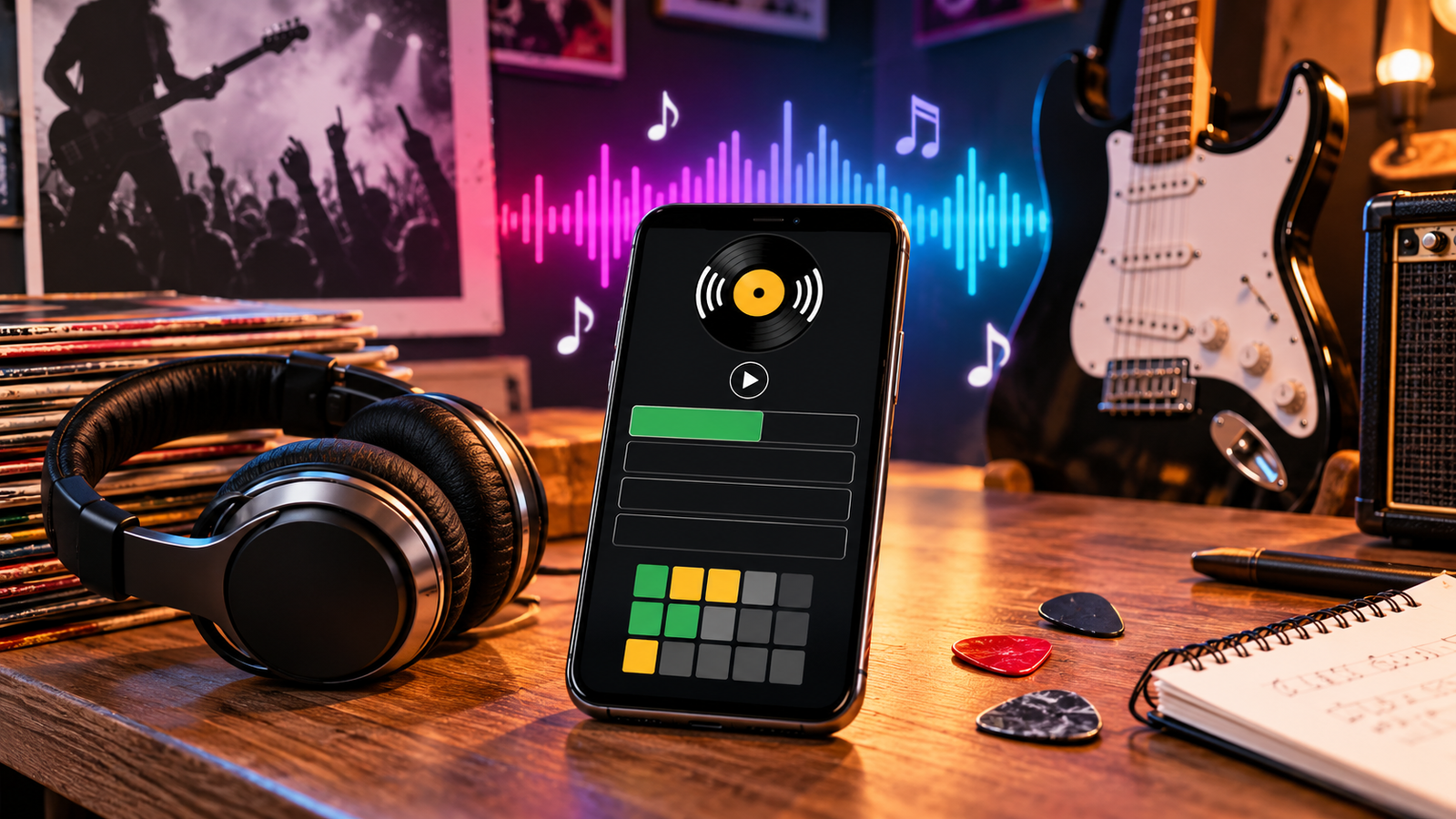
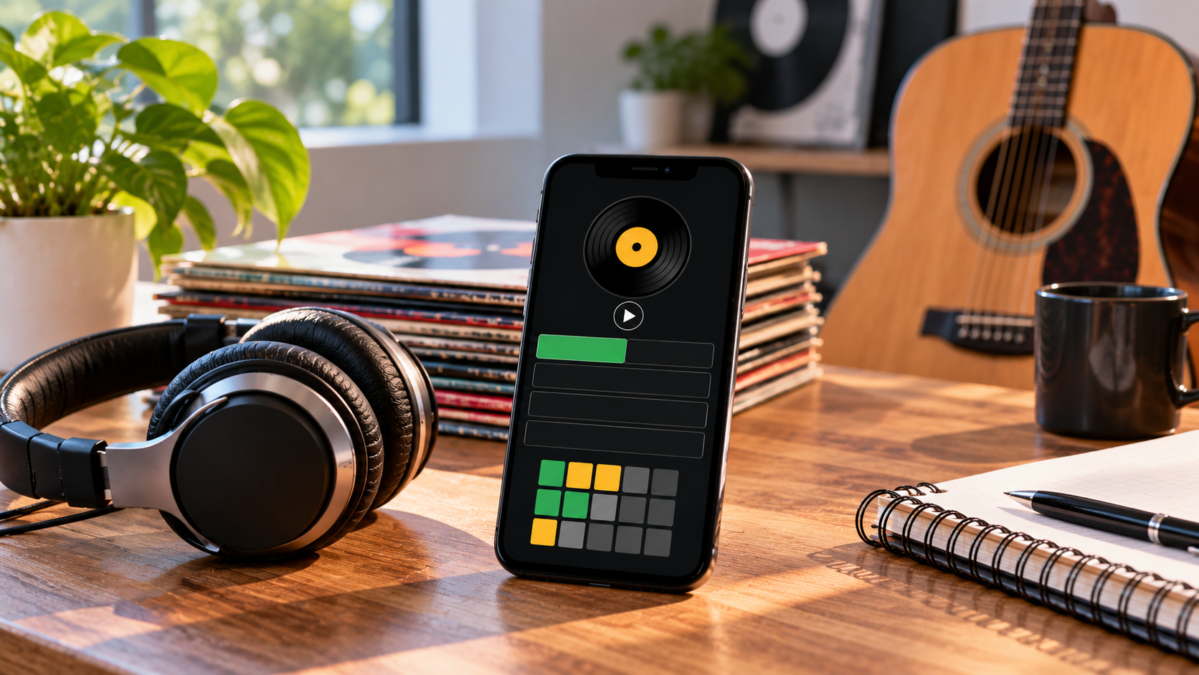
Heardle Rock is a music guessing game that challenges you to identify a rock song from a short audio clip. You listen to the opening, choose a song from the suggested answers, and try to solve the puzzle with as few attempts as possible. Incorrect guesses or skipped turns reveal more of the intro. The Heardle Decades website has a dedicated rock edition with these instructions.
For rock fans, the appeal is immediate: a familiar guitar sound starts playing, but can you remember the title before the vocals arrive? This guide explains where to find the game, how different versions work, and how to approach difficult intros without spoiling the answer.
Where Can You Play Heardle Rock?
A direct starting point is Heardle Rock on Heardle Decades. Its page includes instructions and navigation for statistics, settings and a calendar.
Another website, Rock Heardle Games, advertises daily rock song guessing alongside metal and pixelated album-cover challenges. These are separate websites, so avoid assuming that their puzzles, song selections or scores are interchangeable.
You may encounter several similarly named games when searching. Bookmark the version you enjoy, especially if you want to compare results with friends. Otherwise, you could be solving completely different songs while believing you are playing the same challenge.
Website availability and audio playback can change. A page appearing online does not guarantee that every recording will load on every device or in every country.
Is Heardle Rock the Original Heardle?
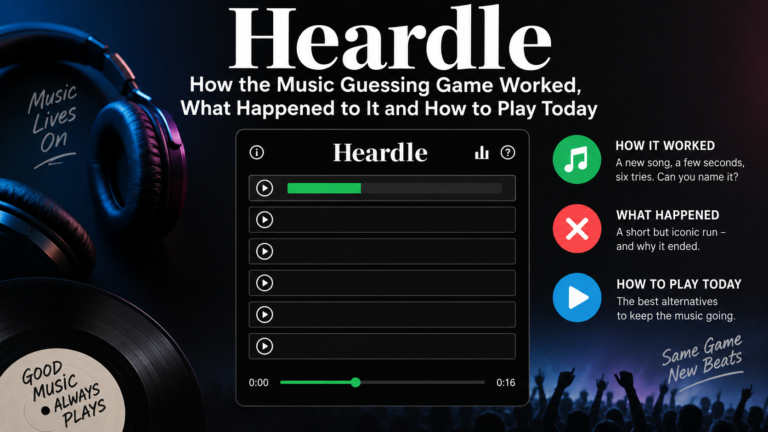
The original Spotify-owned Heardle closed on May 5, 2023.
Rock-themed games found online today should therefore be treated as separate Heardle-style experiences. A familiar name or similar layout does not establish that a website is operated by Spotify.
This distinction also explains why online guides sometimes disagree. One page may describe the discontinued original game, while another covers a newer rock edition.
Always follow the rules displayed by the website you actually open. Features such as archives, daily resets, clip lengths and unlimited rounds are specific to each version.
How to Play Heardle Rock
The basic process is straightforward:
- Play the available intro. Listen before entering an answer.
- Type your suspected song or artist. Look through the suggested matches.
- Select the matching entry. Check the title and artist before submitting.
- Use the next clue if necessary. A wrong answer or skip unlocks more audio.
- Share your result after finishing. Keep the song title hidden if others have not played.
These steps reflect the instructions on the Heardle Decades rock page.
How Many Guesses Do You Get?
Six attempts are common in Heardle-style games. For example, Heardlepedia’s rock edition explicitly describes six tries and explains that skipping extends the clip while using one attempt. Check your chosen version before playing, because similarly named games need not have identical rules.
Should You Guess or Skip?
Guess when you have a specific reason to believe an answer fits. If you recognise only a broad style, another slice of audio may be more useful than a random title.
For example, “this sounds like hard rock” leaves many possibilities. Recognising a particular riff, followed by the drum entrance you remember, gives you a much stronger basis for an answer.
What Songs Can Appear?
The song pool depends on the website. There is no single catalogue shared by every game using the Heardle Rock name.
One rock-themed service, Heardle Unlimited, lists artists including Queen, Nirvana, Led Zeppelin, The Rolling Stones, Pink Floyd, AC/DC and Foo Fighters. That describes its own catalogue; it does not establish the playlist of the Heardle Decades edition.
Before choosing a version, think about the music you want to recognise:
| Your listening preference | Type of game to look for |
|---|---|
| A mixture of rock styles | General rock edition |
| Older favourites and familiar riffs | Classic rock edition |
| Heavier guitar music | Metal-focused edition |
| Music from a particular period | Decade-specific edition |
| One favourite band | Artist-specific song quiz |
Practical Tips to Recognise Songs Faster
Knowing plenty of rock songs helps, but your listening approach matters too. These strategies give each replay a purpose.
Listen for the First Distinctive Sound
Do not concentrate only on the loudest instrument. Notice whether the clip starts with a clean guitar, distorted chord, bass note, drum fill or quiet background sound.
Describe what you hear in simple terms: “two sharp guitar notes, then a pause” is more useful than “something familiar.”
That description gives you something concrete to compare against the songs coming to mind.
Separate the Rhythm From the Melody
When a riff almost sounds familiar, tap its rhythm before trying to name it. Ask whether the notes are evenly spaced, whether there is a pause, and where the strongest beat falls.
Two intros can have similar guitar tones but very different rhythmic patterns. Focusing on timing can help you reject an attractive but incorrect guess.
Predict What Comes Next
Once you have a possible answer, mentally continue the song. Do you expect another guitar phrase, a cymbal crash or a vocal entrance?
Then listen to the longer clue. If the recording develops differently from your prediction, reconsider the answer.
This is especially useful when your first impression is strong but difficult to explain.
Use Production Details as Supporting Clues
A spacious drum sound, rough guitar texture or polished vocal entrance may suggest a style or period. Treat these details as clues rather than proof.
Artists borrow sounds from earlier decades, and different recordings can change the character of a familiar song. The melody and arrangement should still support your guess.
Check the Suggested Answer Carefully
When the right title appears, pause before submitting. Check that the artist matches what you intended to select.
If a list includes similar titles or different recordings, choose carefully. Recognising a song and selecting the correct database entry are two separate parts of the task.
How to Practise Without Spoiling the Daily Puzzle
A simple practice routine is to shuffle a playlist you already know and listen only to the opening few seconds of each track.
Try to identify both the artist and the title. Then check the answer and replay any intro you missed.
Keep practice focused:
- Start with familiar songs.
- Add a few less familiar tracks each session.
- Revisit songs whose choruses you know but intros you forget.
- Mix faster songs with ballads and quieter openings.
- Avoid looking at the screen before guessing.
You can also practise with a friend who controls playback. This removes the temptation to glance at album artwork and makes the exercise feel more like a quiz.
Why Is Heardle Rock Not Working?
A silent player, missing suggestion or frozen page does not always mean the whole website has closed. Start by identifying which part is failing.
The Page Opens, but There Is No Sound
Check your device’s media volume and whether sound is being sent to Bluetooth headphones or another speaker. Tap the play control directly, then check whether the browser tab is muted.
Try ordinary audio on another page. If that is silent too, investigate the device or browser before troubleshooting the game.
The Player Keeps Loading
Reload once and allow the player time to respond. You can also try another browser to see whether the problem is specific to your current setup.
If one puzzle fails while other audio works, the recording or its delivery may be unavailable. Repeatedly submitting guesses will not resolve a missing clip.
The Answer Will Not Submit
Where the game uses suggestions, select an entry from the list rather than leaving unselected text in the input box.
Check spelling and try searching by the artist if the title is difficult to find.
Your Previous Results Have Disappeared
Check that you are using the same website, browser and device. If a game saves progress locally, private browsing or clearing site data may affect that history.
Avoid deleting browser data as your first troubleshooting step when preserving scores matters to you.
How to Compare Scores Fairly
Before challenging friends, agree on the same website, puzzle and rules for outside help.
A useful approach is to play without song-identification tools, lyric searches or answer pages. Share the number of attempts afterward, leaving the title hidden until everyone finishes.
Remember that a low score reflects familiarity with that particular recording. Someone who instantly recognises an obscure album intro is not necessarily better at every kind of rock music quiz.
Conclusion
Heardle Rock turns a few seconds of music into a rewarding listening challenge. Start with a version that suits your taste, learn its rules, and pay attention to rhythm, instruments and the way the intro develops. Try a puzzle, compare your result with a friend, and replay the songs you missed you may find your next favourite track along the way.